
FERMENTATION
Fermentation & batch tracking
Follow each batch from brew day through fermentation, conditioning and packaging, using device readings or manual measurements.
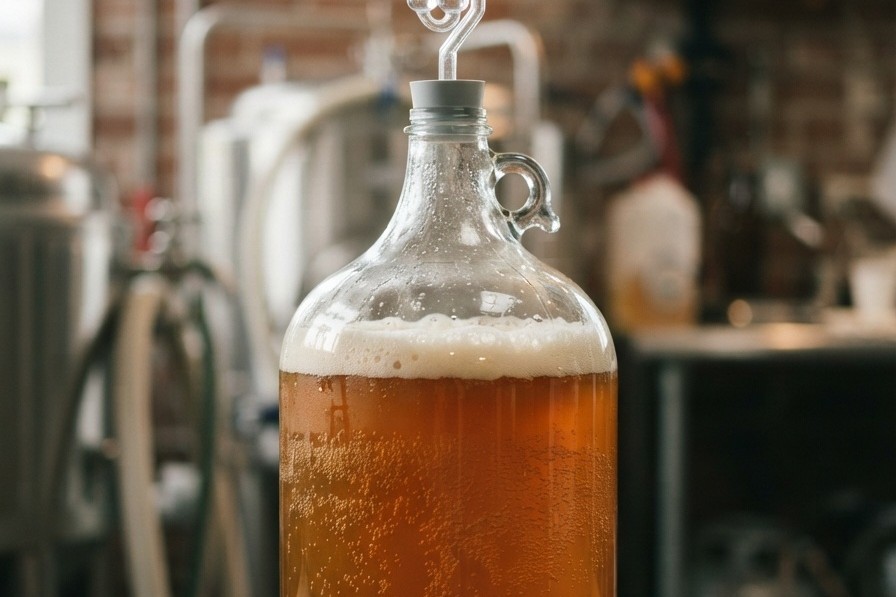
A complete batch timeline
Each brew has its own record and stage history.
- Track planned, brewing, fermenting, conditioning, ready-to-package, packaged and closed stages
- Run multiple batches and fermenters concurrently
- Keep measurements, notes, photos and events on the batch timeline
- Compare plan and actual values in the batch summary
- Record tasting notes and use them to inform future recipe work
Measurements and insights
Bring readings together in one view.
- Gravity, temperature and pH readings from devices or manual entry
- Charts with measurement-source labels for device, manual and paper readings
- Fermentation progress highlights
- Dry-hop, cold-crash and packaging timing suggestions
- Manual-reading reminders when no sensor is connected
Rules and alerts
Alerts respond to the process and do not create unnecessary noise.
- Rules such as gravity stable for several days or temperature outside a target
- Three priority levels, quiet hours, grouped alerts and daily summaries
- One notification inbox with acknowledge, snooze, ignore and history
- Business shift routing and escalation to the next responsible person
- Quick SG and temperature entry directly from a manual-reading reminder
- Home widgets and tank-focused widgets for at-a-glance fermentation status
Batch comparison and conditioning
Use completed batches to understand repeatability over time.
- Compare batches made from the same recipe by OG, FG, efficiency and tasting score
- Track bottle and keg conditioning progress towards target carbonation in Home mode
- Turn tasting feedback into a recipe draft in Home mode
INPUTS · RECORDS · OUTPUTS
Inputs, records and outputs.
Inputs and records: Inputs depend on the feature. They include recipe definitions, ingredient and equipment information, measurements, material records or team-entered observations.
Outputs: Depending on the feature, outputs include calculations, recipe versions, schedules, batch records, measurement history or review context.